
personal invite
Your gym invited you to P2Cam
Capture every move, improve every gesture. Enter your details and we'll email you the credentials to sign in to the app.

Download the P2Cam app Get the Android app iPhone app
The iPhone app is coming soon. For now P2Cam can only be downloaded on Android.
Open this page on your phone to install the app.
Just 3 fields. Your credentials land in your inbox right away.
Check your email
We've written to you: check your inbox, and your spam folder too. If you don't have a P2Cam account yet, you will get two emails: your temporary password and your gym access code. If you already have an account, you will get the steps to join from the app (the guide is just below).
Check your inbox, and your spam folder too: if you didn't have a P2Cam account yet, we've sent your temporary password. Your request to join has reached the gym: as soon as it approves, you get a second email with your access codes (PIN and Passcode).
Nothing after a few minutes? Check your spam folder.
How it works
-
Fill in the form
First name, last name and email: it takes a few seconds.
-
Get two emails
The first has your temporary password, the second your gym access codes (PIN and Passcode).
-
Download the app and sign in
Sign in with your email and the temporary password, then choose your new password.
Already have a P2Cam account?
Don't sign up again: join the gym straight from the app, it takes a minute.
- Open the P2Cam app and sign in.
- Tap Profile in the bottom bar, then Gyms (the first item in the list).
- On the Gyms screen tap Scan gym QR.
- Point the camera at the QR code at the gym entrance.
- Check that the gym name is the right one and confirm.
The gym confirms your request (sometimes joining is instant) and you receive your access code by email.
Forgot your password?
On the sign-in screen tap Forgot the password? and follow the instructions.

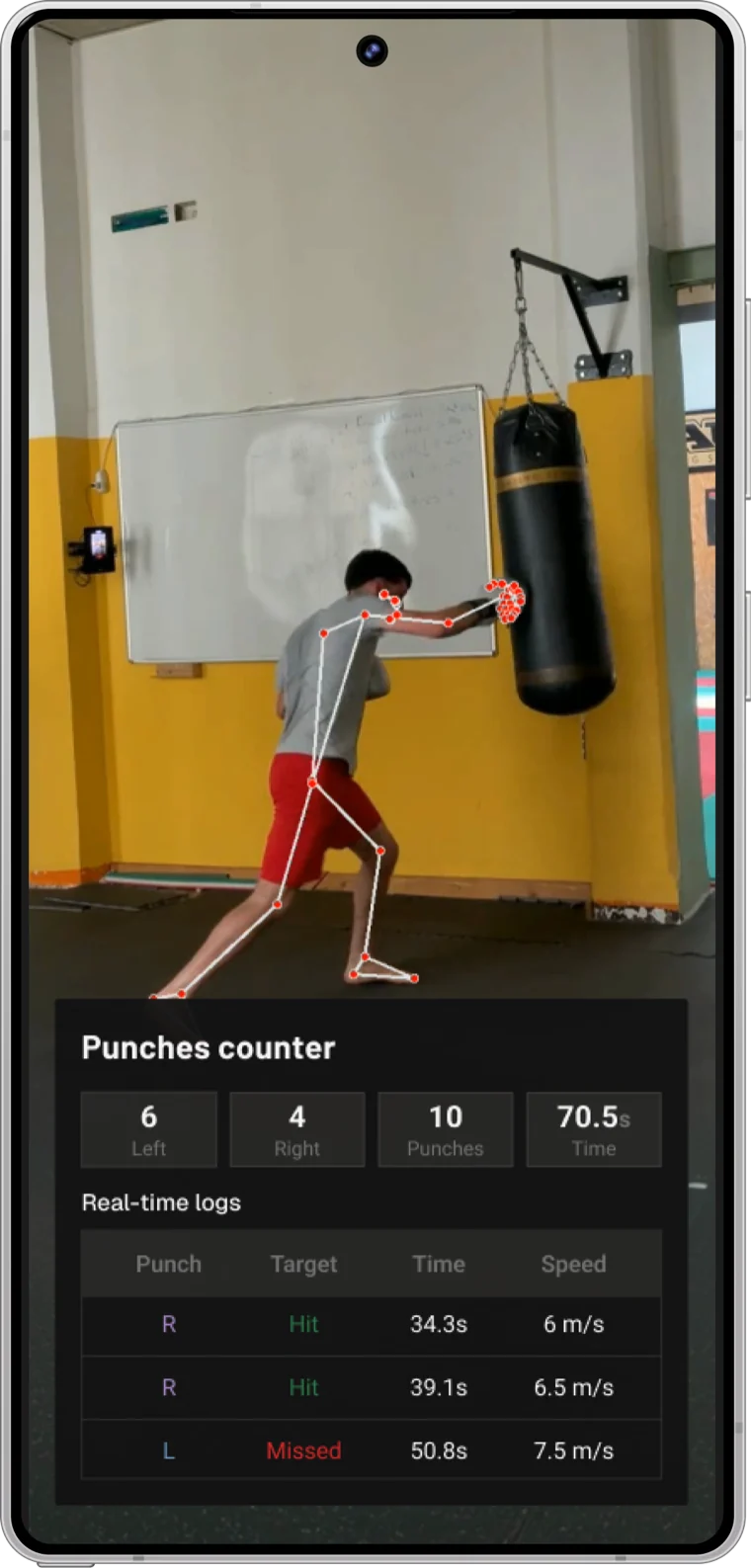
Every move, every gesture, analysed.
P2Cam gives you metrics, coach feedback and personal rankings - right in the palm of your hand.